
Private release candidate · invitation only
Your inbox kept the photos. Bring them home.
Snapattic finds qualifying photo attachments in a Gmail archive and saves accepted originals to your Mac. It does not move, delete, flag or mark your mail as read.
- Saved on your Mac
- Accepted originals
- No analytics
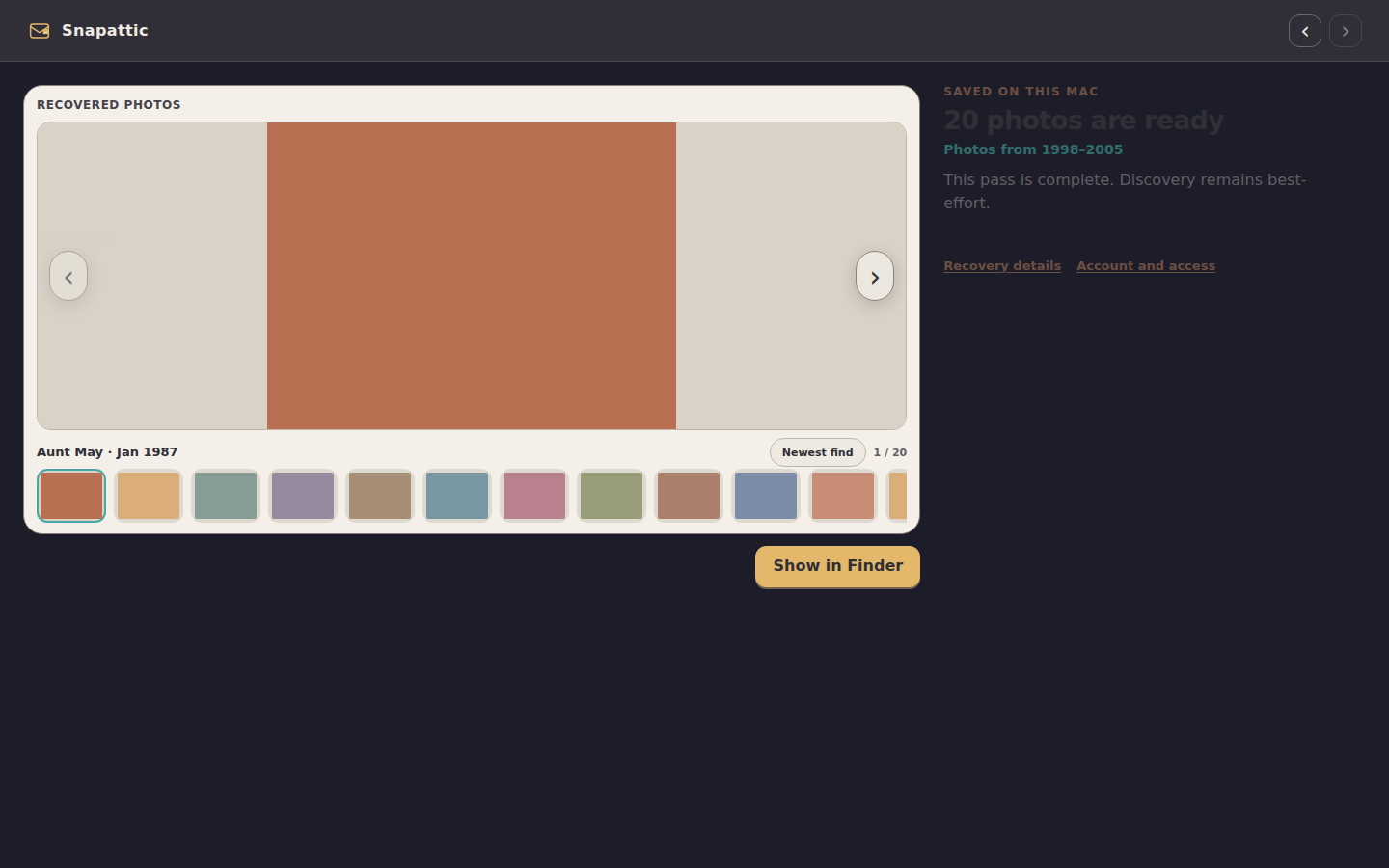
This build is shared directly with invited testers on macOS 13 or later. It is not a public download or a complete mailbox-backup service.
What the app does
Connect one Gmail archive. Save accepted photos to your Mac.
The release candidate is deliberately narrow: one Gmail account at a time, a preview capped at 20 accepted photos, and direct help from the person who invited you.
- 01
Create a dedicated App Password
Create a separate Google App Password for Snapattic. Never enter your main Google account password. The App Password stays in the session unless you choose to save it in macOS secure storage.
- 02
Recover up to 20 accepted photos
Snapattic reads likely attachment parts, checks the actual image bytes and saves up to 20 accepted photos. Duplicates, damaged files and rejected small images do not use a preview place.
- 03
Open the folders on your Mac
Accepted photos are saved as ordinary files under Pictures, separated by account and year folders. Accepted original bytes stay intact.
The privacy boundary
Gmail sends the attachments straight to your Mac.
Mail and photo bytes do not pass through a Snapattic service. The release candidate has no analytics or cloud photo gallery. Test checkout and purchase restoration are separate and can contact the test licensing service with account and entitlement data.
Read the full privacy noticeA Google App Password is a broad account credential. “Read-only” describes Snapattic’s tested mail behaviour; Google does not restrict the password itself to read-only access.
Current release
A private test build with a narrow job.
Snapattic is being tested with invited people on macOS 13 or later. It connects to one Gmail account at a time. Advanced Protection accounts are unsupported; work and school accounts depend on administrator settings for App Passwords and IMAP.
- Local, original-quality recovery
- Saved progress and resume
- Read-only IMAP behaviour
- No public download or live purchase
Useful answers
Before you connect Gmail.
The support library has focused guides for setup, recovery, local files and test checkout.
Browse supportDoes Snapattic change my mail?
No. Snapattic opens Gmail mailboxes read-only and fetches attachment parts without changing the UNSEEN state. It does not move, copy, delete, flag, append or send mail.
What can an App Password do?
A Google App Password is a broad account credential. Create a dedicated one, keep it private and revoke it in Google when you finish. Snapattic limits its own tested IMAP behaviour to reading.
Will the preview find every photo?
No completeness claim is made. The preview stops after 20 successfully accepted photos, and damaged, unsupported or rejected items can be left out.
Can I download Snapattic?
There is no public download. Invited testers receive an approved build directly. The current website can exercise test checkout and entitlement flows, but it cannot take a live payment or unlock a public release.